
 Add to Chrome
 Get for Firefox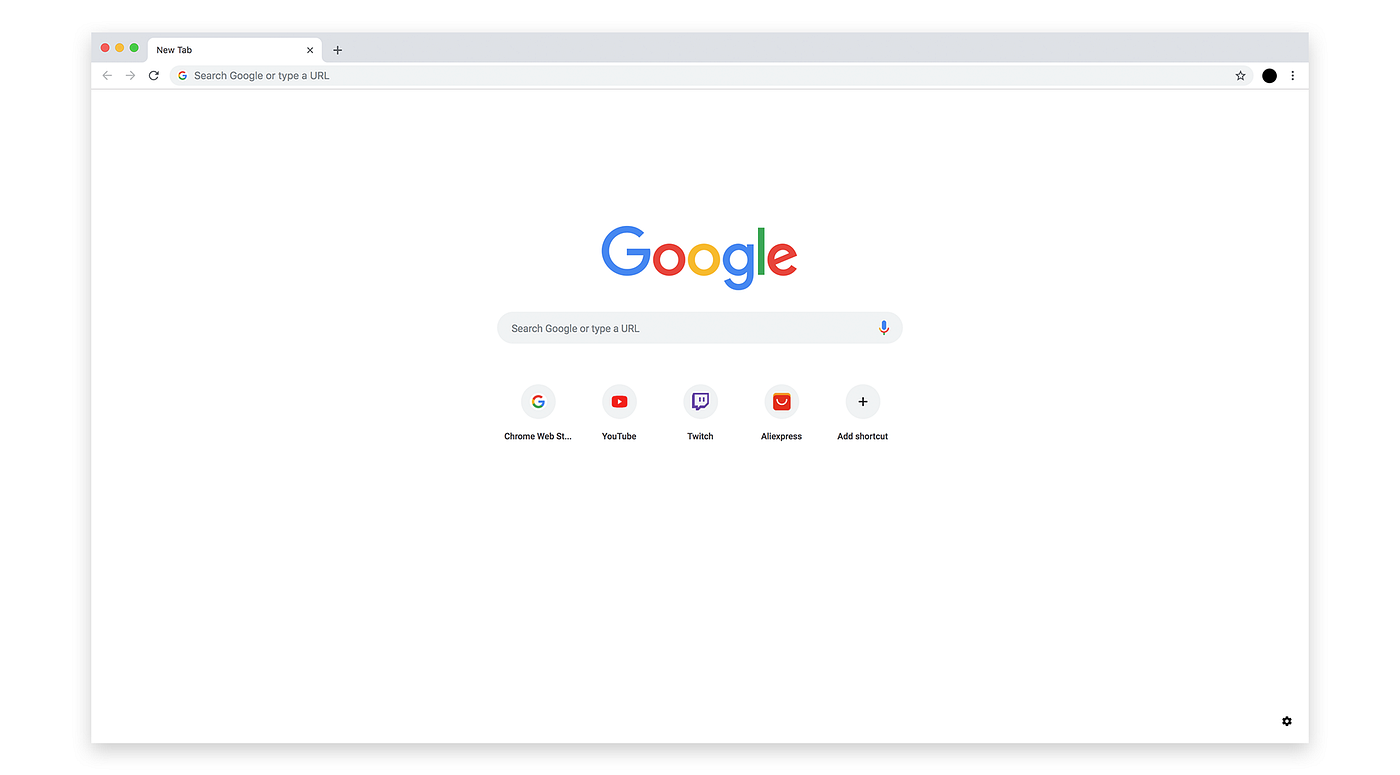
Before
Scattered across tabs
Blank search. Five more tabs. The morning starts with hunting for the day you already planned.
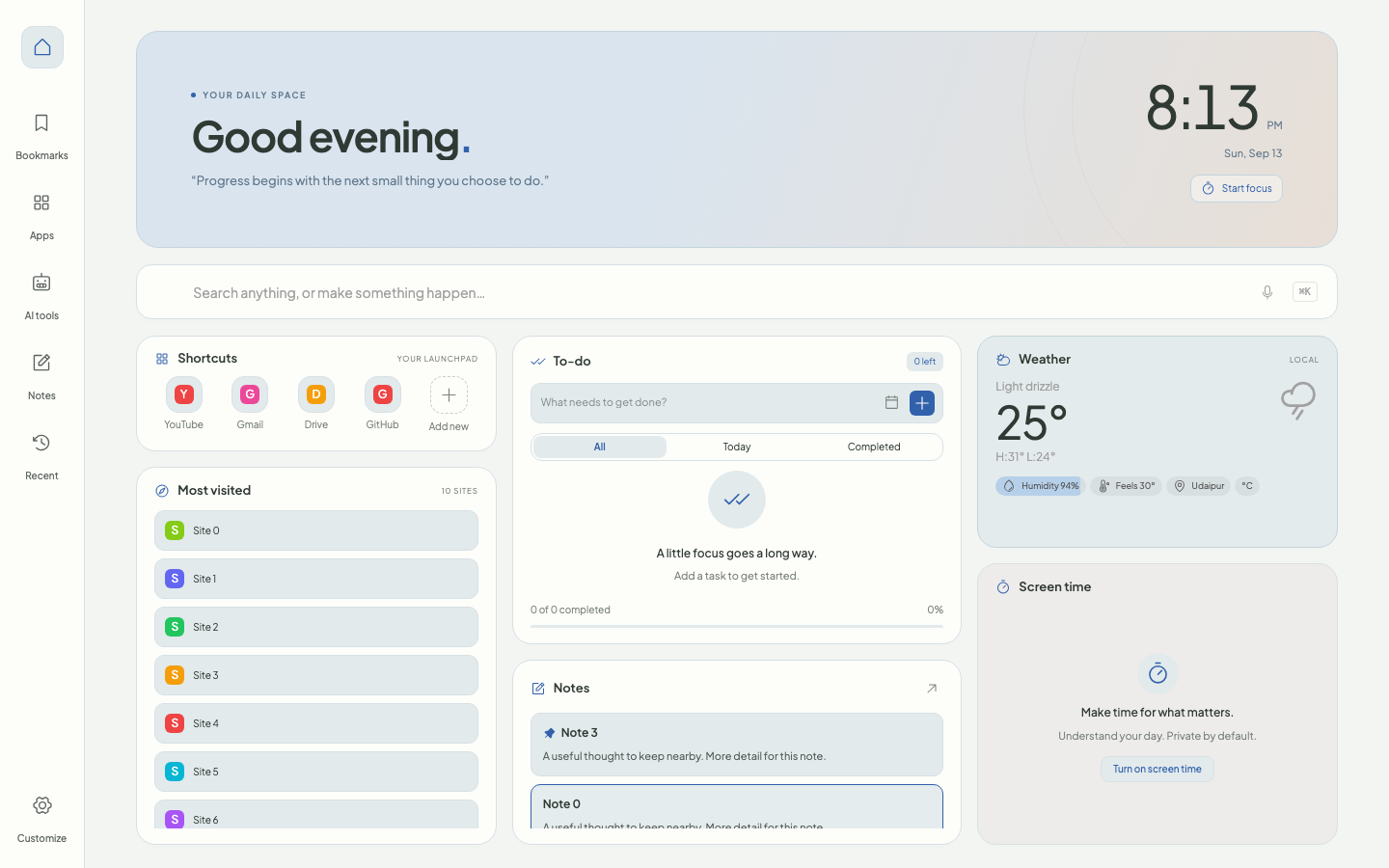
A blank new tab, a noisy feed, five open tools — and the thing you meant to do still isn’t in front of you. Daily Workspace replaces that dead end with one calm dashboard: tasks, notes, shortcuts, weather, and focus, ready the moment you open a tab.

Free · Open source · No account · Works offline for your data
Why it exists
Tasks in one app, notes in another, bookmarks buried, weather in a widget you forget to open. Daily Workspace pulls the essentials into the page you open constantly — so less hunting, more doing.
Before
Blank search. Five more tabs. The morning starts with hunting for the day you already planned.
After
Tasks, shortcuts, notes, weather, and focus already waiting. The day starts where you left it.
What replaces the blank page
Built for the moments between tabs — not another app to manage, just the essentials within reach.
Shortcuts, bookmarks, apps, and most-visited pages stay one click away — instead of lost in a sea of tabs.
Capture to-dos, set due dates, repeat daily or weekly work, and start a focus timer when it’s time to get going.
Jot a thought or save a link. Notes autosave, and the important ones stay pinned where you’ll see them.
Clock, local weather, screen time, and a daily quote — the ambient details you usually leave the page to check.
Recover recently closed tabs or save a group of pages as a workspace for the next deep session.
Tasks, notes, and settings live in the browser. Export a backup whenever you need one — no account required.
Make it fit the way you work
Light, dark, or system theme. Accent colors, card layout, wallpaper, and which tools stay visible — so the dashboard matches how you actually start a day.
Install and shape it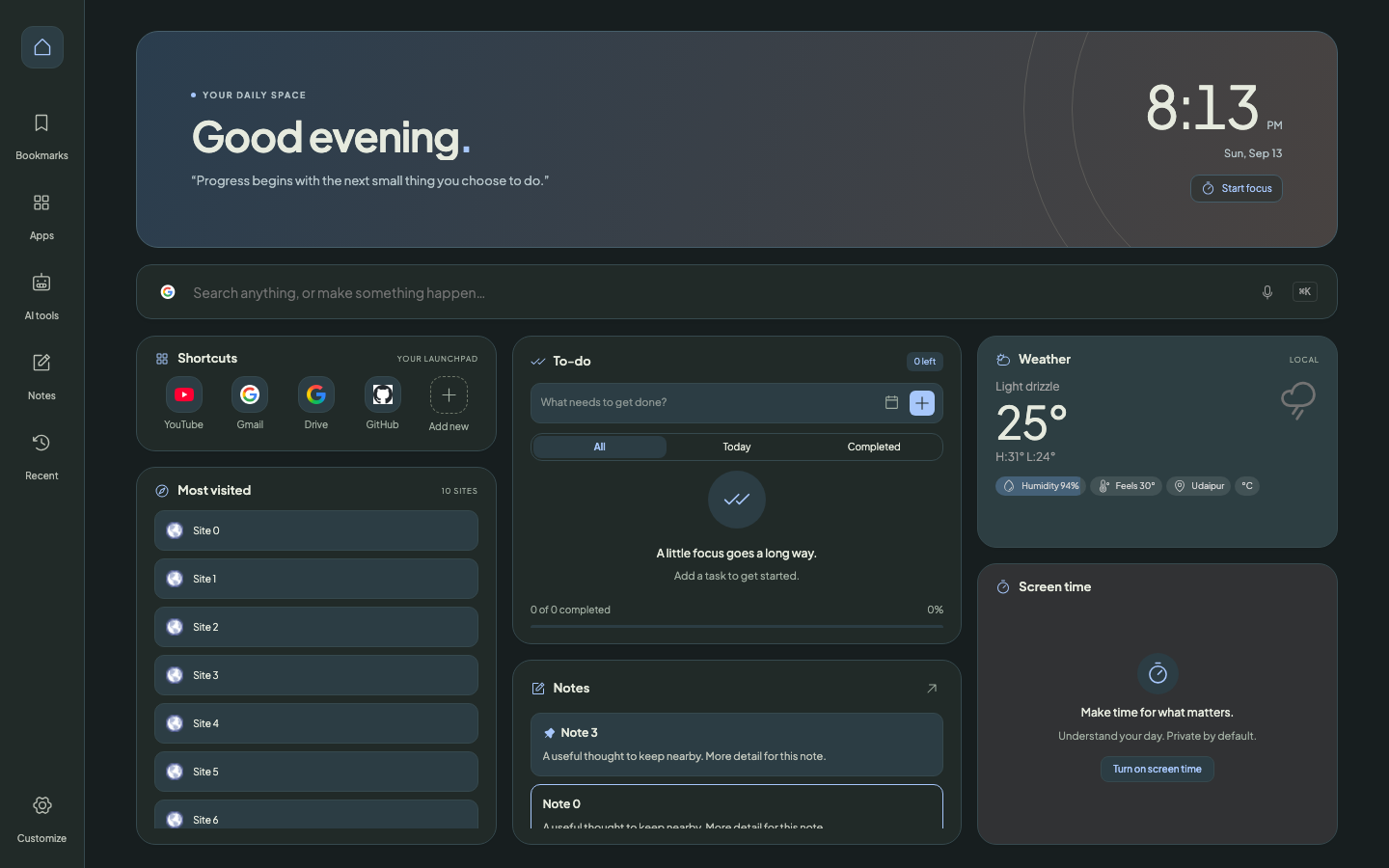
No. Daily Workspace works without an account or subscription. Your dashboard data is stored in your browser.
Settings, tasks, notes, saved workspaces, and screen-time records are stored locally. Online features contact third parties: weather sends location coordinates to weather and place-name services; search suggestions send typed queries to suggestion providers; site icons may be fetched from external icon services. Daily Workspace does not include analytics or an account system.
Yes. Use Customize to show or hide cards and sidebar tools, adjust the appearance, and rearrange your dashboard. Optional browser permissions are requested for features such as bookmarks and screen time.
Use Customize → Data to export your dashboard. Keep the backup file somewhere safe; importing a backup replaces your current saved setup.
Fix your next new tab
One click from the store. Available on Chrome and Firefox — free, open source, and ready before your next blank tab.
Keep it growing
Daily Workspace is free and open source. If it made your mornings a little less scattered, a coffee helps fund the next round of polish and features.
One-time tip · No account required